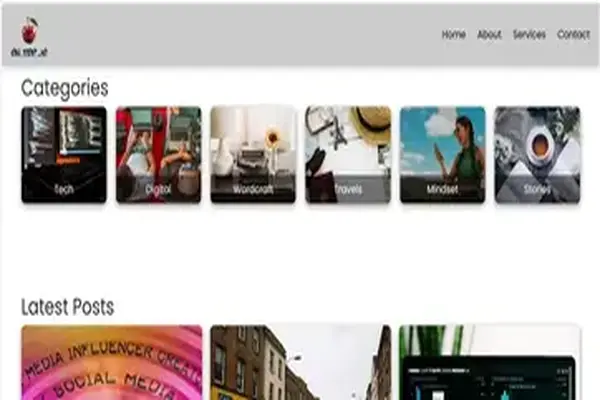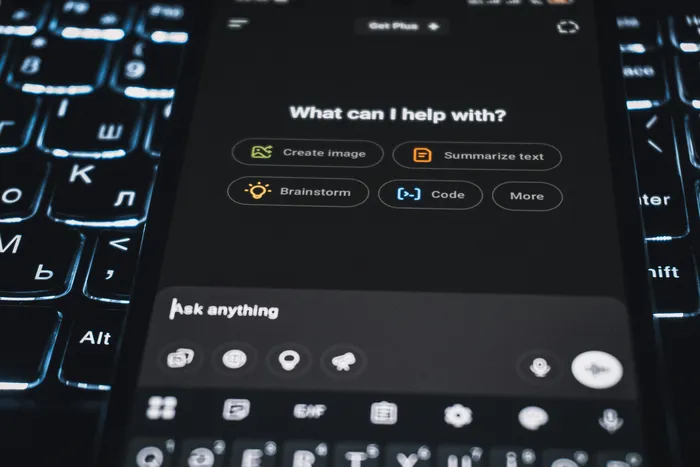

The days of wrestling with endless lines of code or hiring a professional web developer might be behind us. AI-powered tools like Microsoft Copilot and ChatGPT have made creating a functional and visually appealing website more accessible than ever.
However, while these tools accelerate development, they do have their limitations.
I built a website using Copilot, ChatGPT, and my coding knowledge—and here’s what I learned.
Step 1: Planning the Design
I started with a clear vision and sketched a layout that matched my goals. Structuring the site was straightforward: DOCTYPE, header, body, footer, and content sections. PHP helped me reuse components efficiently.
AI-Powered Brainstorming
AI helped me brainstorm ideas, generate outlines, suggest layouts, and offer SEO tips.
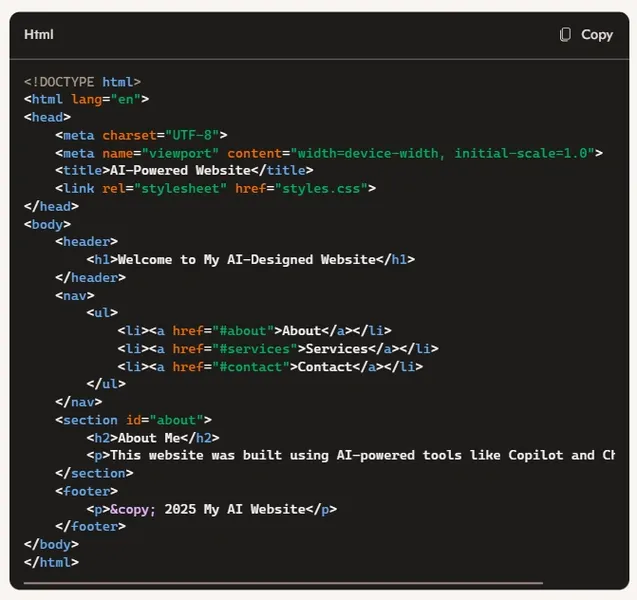
Step 2: Writing Code with AI
Copilot and ChatGPT generated HTML, CSS, and JavaScript quickly. But AI code needs human review to avoid logic errors or security flaws.
Tips
- Use short, specific prompts: Clear instructions yield better results.
- Validate generated code: Manual debugging is essential.
- Balance AI efficiency with creativity: Templates are helpful, but originality matters.
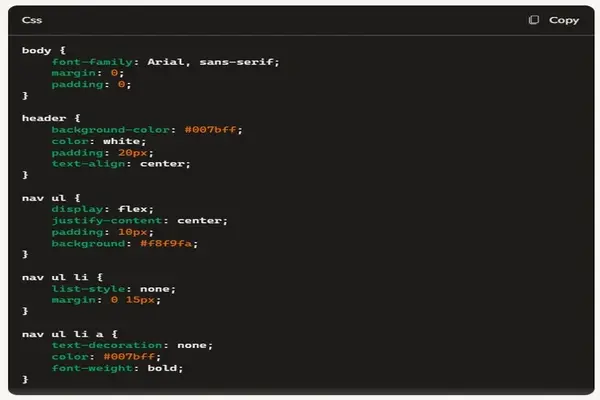
Step 3: Automating Tasks & Backend Development
Copilot helped me generate PHP scripts for headers, footers, and content sections. I planned MySQL integration for later stages.
Tips
- Use AI for repetitive PHP tasks.
- Review database security setups.
- Explore AI-generated REST APIs for smoother data exchange.

Step 4: Using Frameworks Like Bootstrap & React
AI suggested frameworks and guided implementation. I used Copilot to navigate React and Tailwind CSS, but hands-on learning was key.
Tips
- Use AI for guidance, but experiment manually.
- Treat AI suggestions as starting points, not final answers.
Understanding AI’s Processing Limits
AI tools can handle hundreds of lines of code but struggle with large files or multi-file projects.
Practical Limits
- Copilot: Best for real-time suggestions in code editors.
- ChatGPT: Can review 300–500 lines per interaction but may falter with complex logic.
Final Thoughts: AI Is a Tool, Not a Replacement
AI boosts efficiency but doesn’t replace human creativity or judgment. Use it as an assistant to build websites that are functional, secure, and uniquely yours.